Find your part number
Has an Authorized Software Update label? Use that number. No update label? Use the Chrysler P/N.
Type it just as it’s printed:
P56044810AG
or56044810
1Only a standard label
Usually a 3-plug (JTEC) module. The label is on top, in one of three places. Use the P/N.
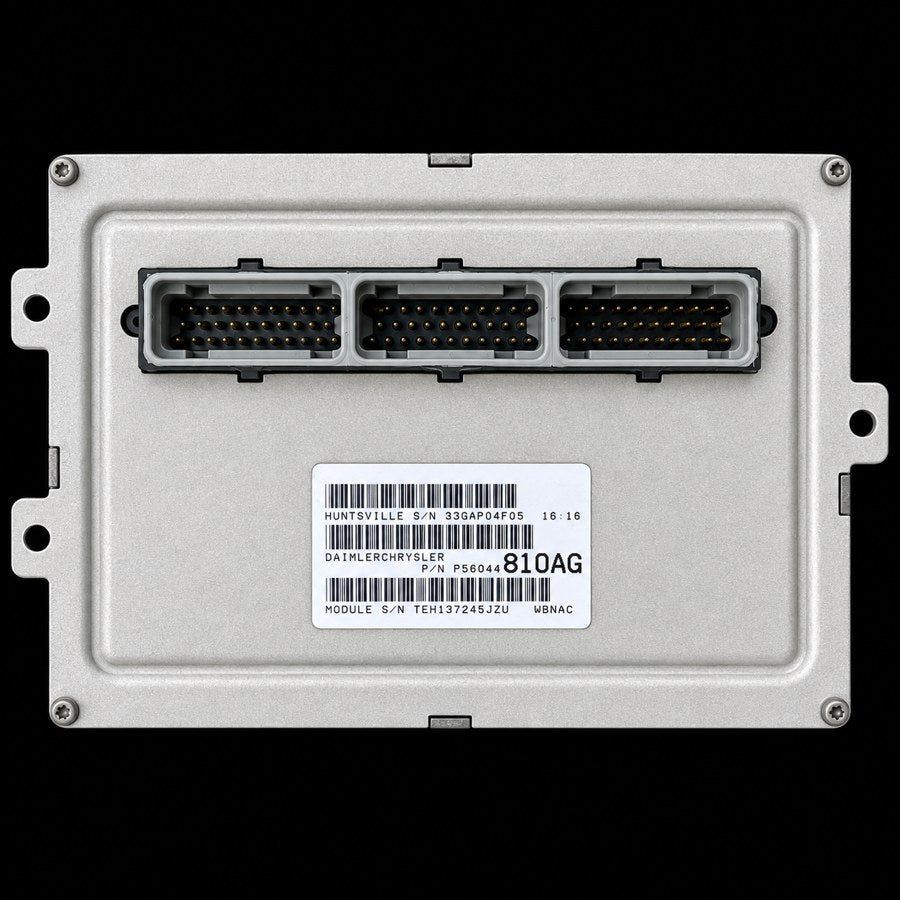
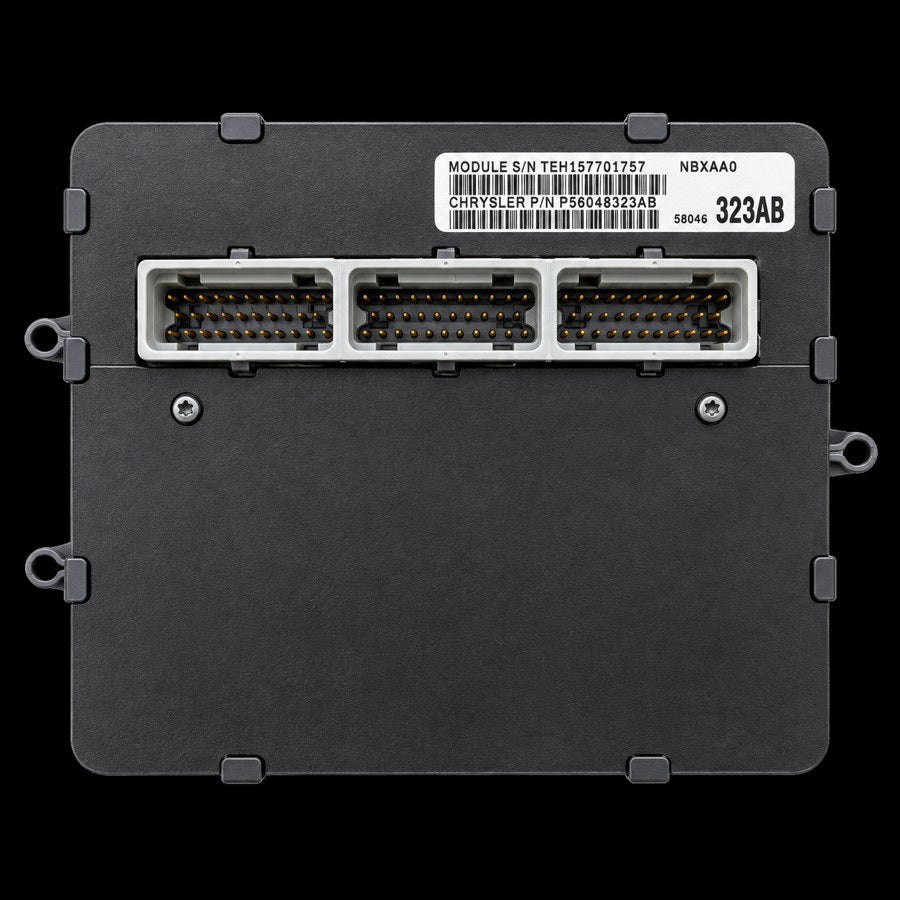
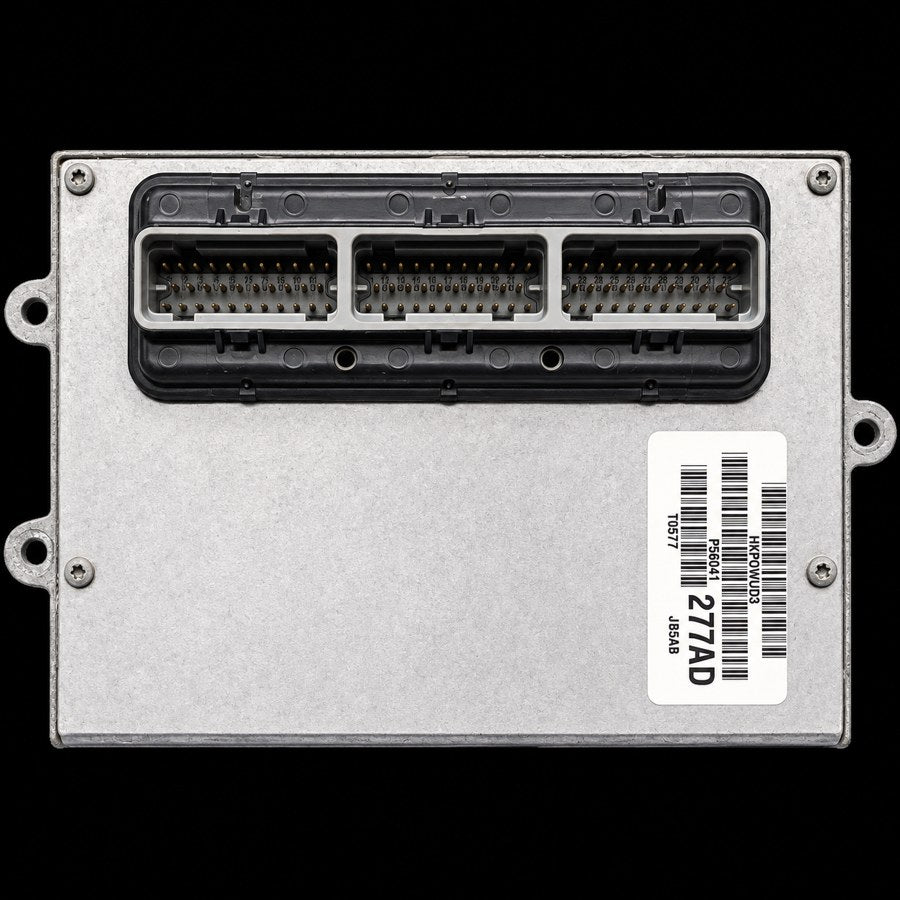
HUNTSVILLE S/N33GAP07K2109:42
DAIMLERCHRYSLER
P/N P56044
810AG
MODULE S/NTEH151806KRAWBNAD
- !The part number is often printed in two sizes. P56044 and the big 810AG make
56044810.
2Standard label plus an update label
Both on the module — beside each other, or one stuck over the other. The update label supersedes the standard label — use its number.
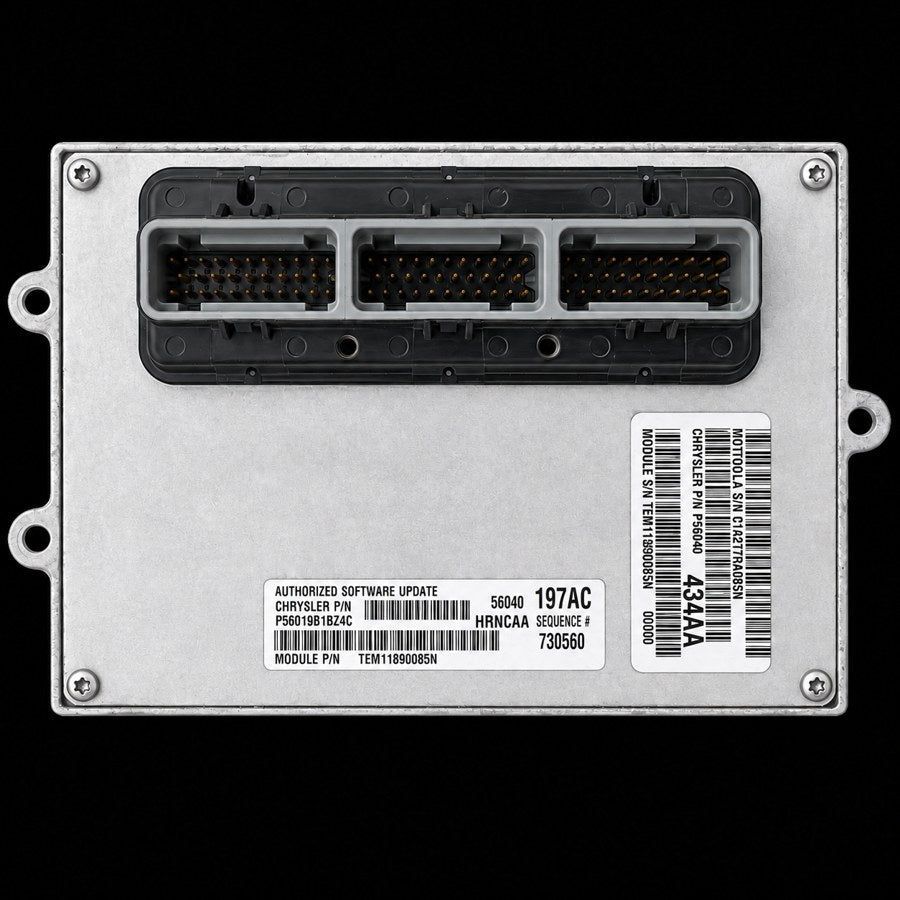
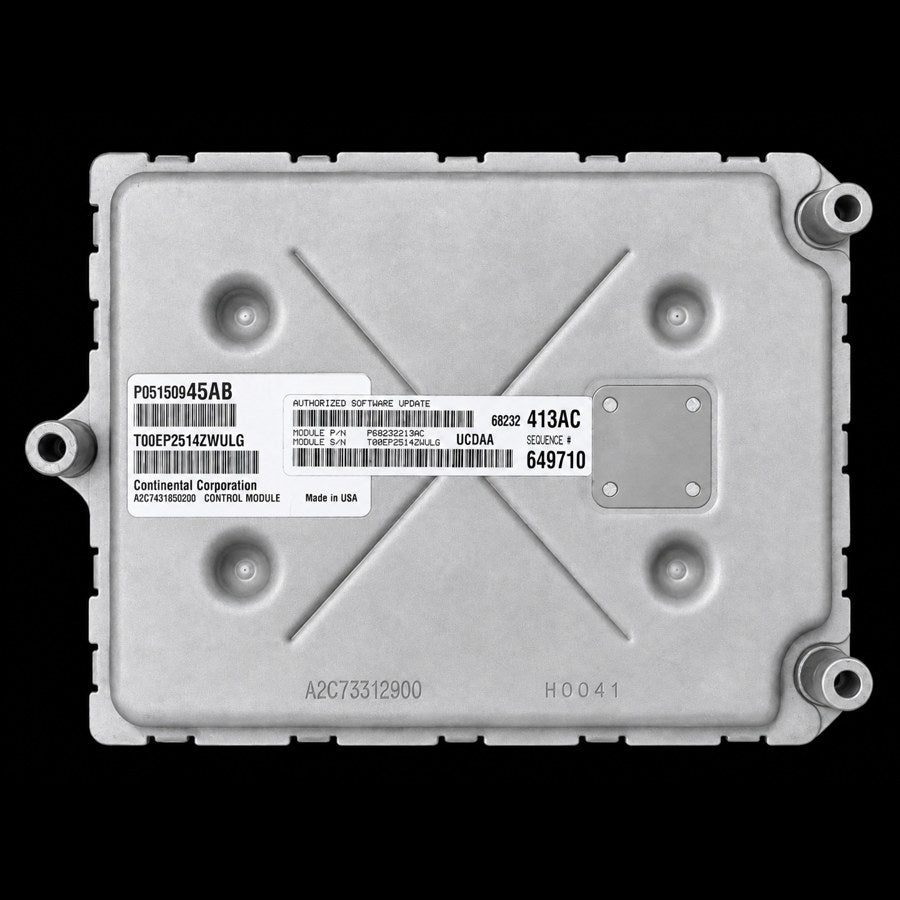
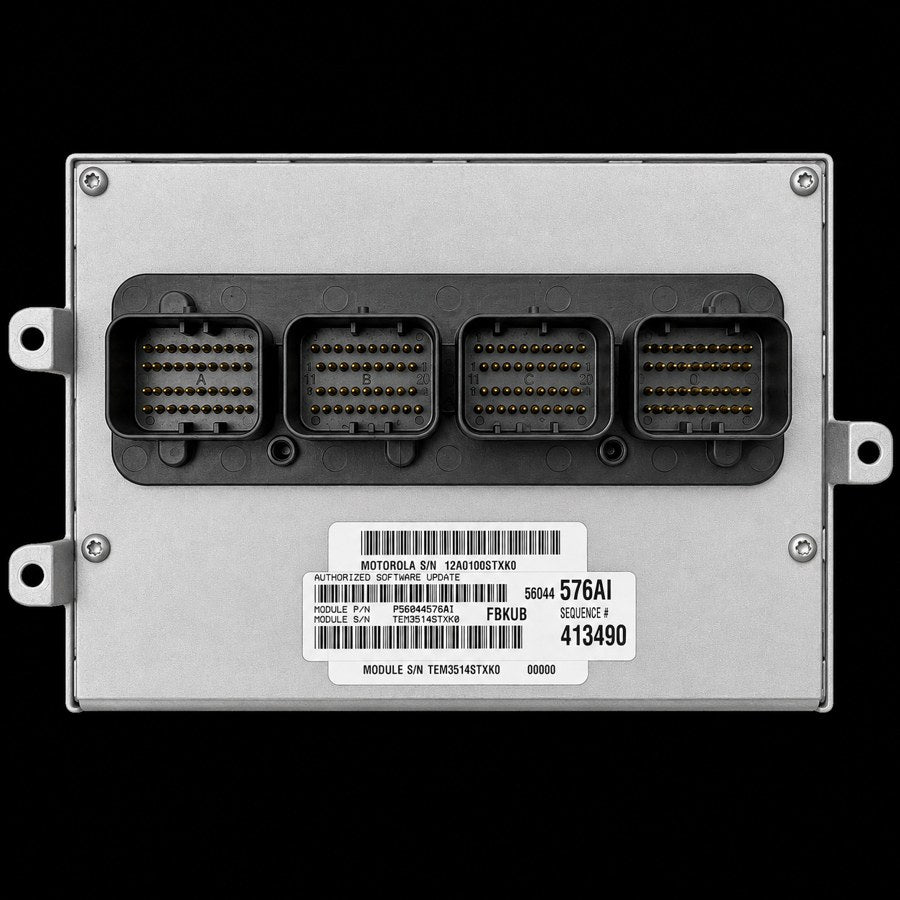
Standard label · superseded
MOTOROLA S/NC1A217RA085N
CHRYSLER P/NP56040
434AA
MODULE S/NTEM11890085N00000
Authorized Software Update label · use this
AUTHORIZED SOFTWARE UPDATE
MODULE P/NP56040197AC
MODULE S/NTEM11890085N
56040197AC
HRNCAA
SEQUENCE #730560
3Update label on the end of the module
Some 4-plug modules: the standard label is on top, but the update label is on the narrow end of the case. Same rule — use the update label’s number.
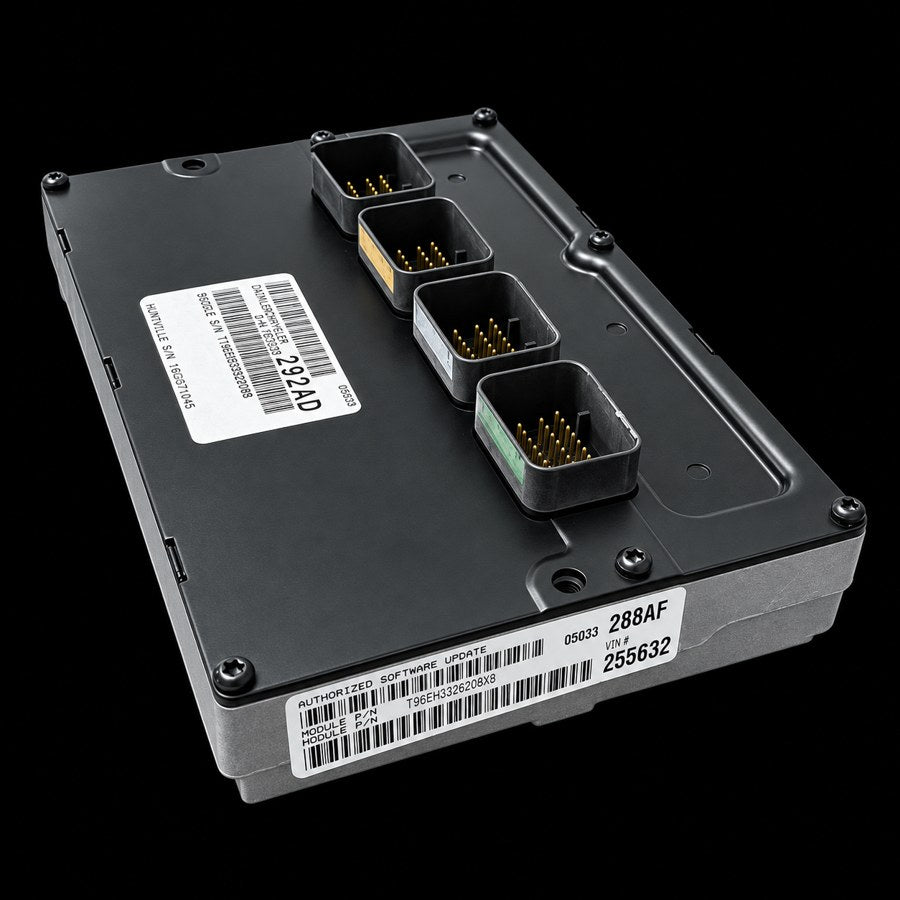
AUTHORIZED SOFTWARE UPDATE
MODULE P/NP05033288AF
MODULE S/NT96EH3326208X8
05033288AF
VIN #255632